
How to Build a Commission Calculator for Your Recruiting Firm (With Examples and Formulas)

Key Takeaways
- A commission calculator for recruiting firms starts with a clearly defined structure (tiers, splits, and thresholds) before any formula is written.
- Tiered commission logic requires precise conditional formulas. One error cascades into every paycheck.
- Spreadsheets work for small teams; firms with 10+ recruiters often hit accuracy and trust problems that dedicated software resolves.
- Document every edge case in writing before you build. Ambiguous rules create disputes that clean math cannot settle.
It usually starts with a Slack message. "Hey, quick question: what's my commission on that $42K fee we just collected?" It's 7:30 PM. You're not near your laptop. And even when you are, the answer lives buried in a spreadsheet with seventeen tabs, conditional formatting that breaks when someone pastes wrong, and a "notes" column that says things like check with Eli on this one. If that's your current commission calculator for your recruiting firm, this guide is for you.
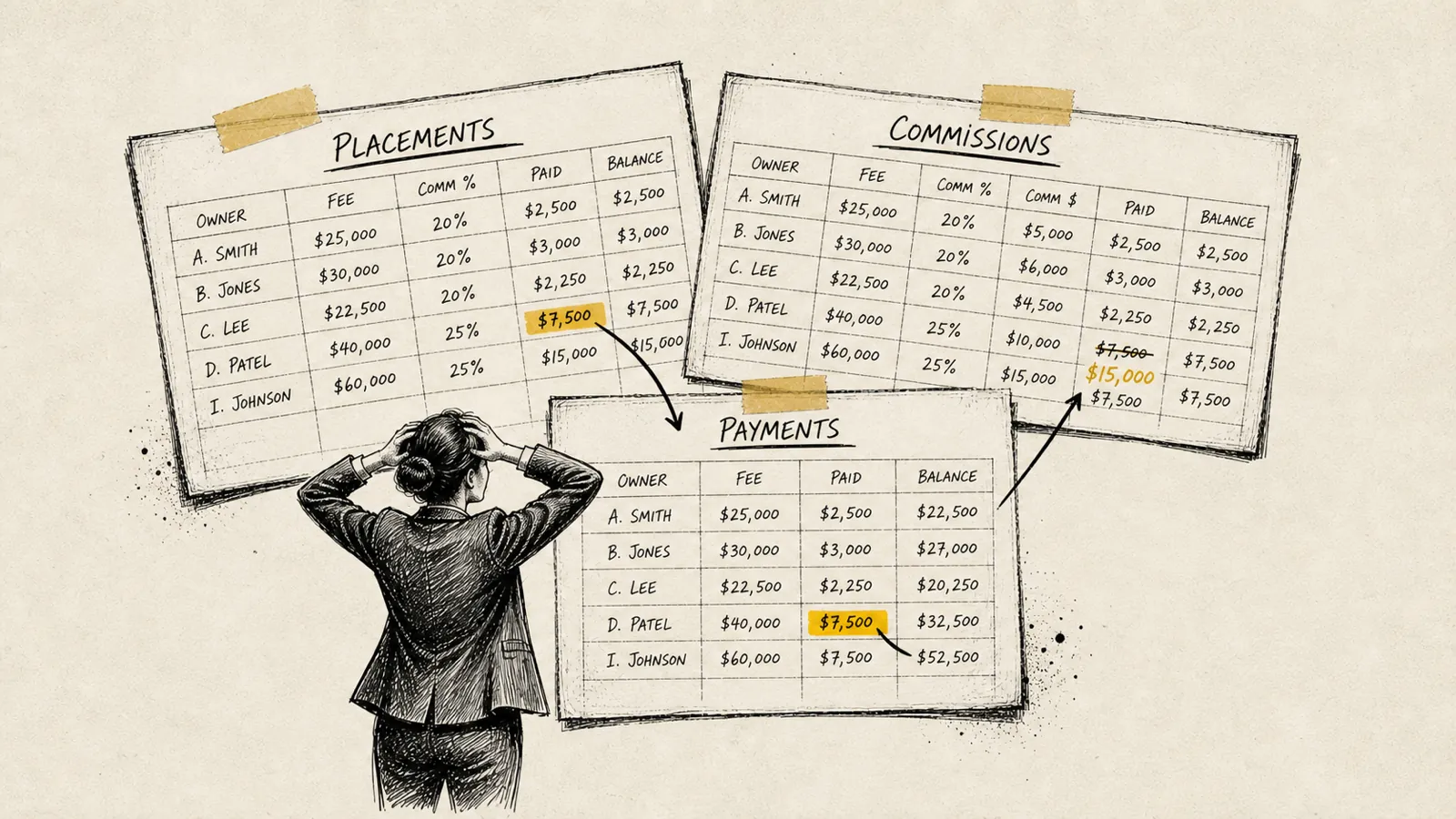
By the end of this walkthrough, you'll have a working commission calculator built on a structure your whole team understands, formulas that handle tiered splits without breaking, and a process that keeps month-end reconciliation from eating your weekend. We'll cover the logic, the math, real examples, and the common mistakes that turn simple commission plans into expensive arguments.
Let's build it from the ground up.
Step 1: Define Your Commission Structure in Writing Before You Build Anything
The single biggest mistake recruiting firm owners make is jumping straight to the spreadsheet. Before you write a single formula, your commission structure needs to exist as a written document, specific enough that two different people reading it would calculate the same number on the same deal.
Here's what that document needs to cover:
- Base commission rate: What percentage of the collected placement fee does a recruiter earn? This is your starting point.
- Tier thresholds: Does the rate change after a recruiter hits a certain revenue number within a period? Define the exact dollar amounts and the exact rates at each tier.
- The measurement period: Are tiers reset monthly, quarterly, or annually? This has enormous impact on recruiter behavior and your cash flow.
- What "collected" means: Do you calculate commission on invoiced fees or cash received? This distinction matters most when clients pay on net-60 or net-90 terms.
- Split rules: When two recruiters share a deal (one sourcing the candidate, one owning the client relationship), how is the fee divided between them before commission is applied?
- Guarantee clawbacks: If a placed candidate leaves within the guarantee period and the client doesn't pay, does the recruiter's commission get clawed back or credited against future earnings?
Write these rules down. Have your legal or finance team review them. Then have your recruiters read them. If someone has a question you can't answer cleanly, that's a gap in your policy, not in the spreadsheet.
Expected outcome: A one-to-two page commission policy document that serves as the source of truth for your calculator and every future conversation about pay.
Step 2: Map Every Deal Type and Split Scenario Your Firm Actually Runs
Most recruiting firm commission structures look simple on paper and get complicated fast in practice. The second step is to inventory every deal and credit scenario your team actually encounters, not the ones you intended when you designed the plan.
Common scenarios that catch firms off guard:
- Solo placement, recruiter owns client and candidate
- Simplest case. One recruiter gets 100% of the credit on that deal's fee before their commission rate is applied.
- Split between business developer and recruiter
- The BD rep brought in the client and manages the relationship. A separate recruiter worked the search. One structure is a 50/50 credit split on the fee. Each person's share then gets their individual commission rate applied separately.
- Candidate sourced by one recruiter, closed by another
- Happens frequently on busy desks. You need a defined sourcing credit or this becomes a guaranteed argument every time.
- Shared desk, team quota
- Some firms run pod or team structures where multiple recruiters contribute to a shared revenue target. Commission math here requires tracking individual contributions against a collective threshold.
- Retained search with partial payment at kickoff
- If you collect a retainer upfront, is commission paid on receipt or only on final placement? Define this clearly. It affects cash flow on both sides of the table.
- Guarantee replacement with no additional fee
- No new fee collected. Is a replacement placement commission-free for the recruiter, or does the firm absorb the cost? Either is valid. You just need a rule.
List out every scenario you've encountered in the last 12 months. For each one, write down the expected commission outcome under your policy. These become your test cases in Step 6.
Expected outcome: A scenario library of 8–15 real deal types, each with a documented expected commission output. This is your QA checklist.
Step 3: Choose the Right Platform for Your Commission Calculator
The best commission calculator for your recruiting firm is the one your team will actually trust. Platform choice depends on your firm's size, structure complexity, and how much manual work you're willing to absorb.
- Google Sheets or Microsoft Excel
- Best for firms with fewer than 10 recruiters and relatively flat commission structures. Free, flexible, and familiar. The downside: version control is a nightmare, anyone can accidentally overwrite a formula, and you're the one maintaining it at 10 PM on the last day of the month.
- ATS-integrated reporting (Bullhorn, JobAdder, Vincere)
- Some ATS platforms have built-in commission tracking or reporting fields. Coverage is inconsistent. They're great at tracking placements and fees, less reliable at applying tiered logic or generating a recruiter-facing pay stub. Worth checking what your ATS already has before building something new.
- Purpose-built commission software (CollectedHQ, QuotaPath, Spiff, CaptivateIQ)
- Built specifically for the complexity that kills spreadsheets: tiered rates, multi-way splits, clawback logic, and recruiter-facing dashboards so your team can see their own numbers without pinging you. The right choice for firms above 10–15 recruiters or any firm where commission disputes are a recurring event.
For the rest of this guide, we'll build the core logic in spreadsheet format, because understanding the underlying math is essential regardless of which platform you use to run it.
Expected outcome: A clear platform decision with a documented rationale. If you choose a spreadsheet, assign a single owner. If you choose software, begin vendor evaluation using your scenario library from Step 2 as your test criteria.
Step 4: Build the Core Commission Formula for Your Recruiting Firm
A commission calculator for recruiting firms, at its core, is straightforward arithmetic wrapped in conditional logic. The base formula is: Commission Earned = Placement Fee Collected × Commission Rate. Everything else is a layer on top of that.
Here's how to build it in Google Sheets, column by column:
- Column A, Recruiter Name: Dropdown linked to a roster tab.
- Column B, Deal/Placement ID: Manual entry or pulled from your ATS.
- Column C, Gross Placement Fee: The fee invoiced to the client.
- Column D, Fee Collected (Cash Received): What actually came in. This is what commissions are calculated on if your policy uses cash basis.
- Column E, Recruiter Credit %: The share of that deal attributed to this recruiter (100% if solo, 50% if split, etc.).
- Column F, Recruiter's Fee Credit: Formula:
=D2*E2 - Column G, YTD Revenue Before This Deal: Running total of collected fees credited to this recruiter in the current period.
- Column H, Commission Rate: This is where tier logic lives (see Step 5).
- Column I, Commission Earned: Formula:
=F2*H2
For a flat commission structure with no tiers, Column H is simply a fixed percentage pulled from a settings tab. If your firm pays a straight 30% commission, Column H always returns 0.30, and Column I gives you the answer.
Keep your commission rates and thresholds on a separate Settings tab: never hardcode percentages directly into formulas. When you change a rate, you want to change it in one cell, not hunt through 200 rows of formula.
Common mistake to avoid: Calculating commission on the gross fee before the split is applied. If a $50,000 placement fee is split 50/50 between two recruiters and each earns 30% commission, each recruiter earns $7,500, not $15,000. The split happens first, always.
Expected outcome: A working base calculator that correctly handles solo deals at a flat commission rate, verified against at least five real historical placements.
Step 5: Add Tiered Commission Logic and Split Formulas
Tiered commission structures are a common source of errors in manual calculators. Getting this right matters.
A typical three-tier structure might look like this:
- Tier 1: $0 – $150,000 in collected fees per year
- Commission rate: 25%
- Tier 2: $150,001 – $300,000 in collected fees per year
- Commission rate: 35%
- Tier 3: $300,001+ in collected fees per year
- Commission rate: 45%
The critical question in tiered logic: Is the higher rate applied to all revenue once the tier is hit, or only to the revenue above the threshold? These produce very different numbers and you need to decide which you're running.
Marginal tiering (like income tax brackets) applies each rate only to the dollars within that band. A recruiter with $175,000 in annual collections earns 25% on the first $150,000 ($37,500) and 35% on the next $25,000 ($8,750). Total commission: $46,250.
Cliff tiering applies the new rate to all revenue once the threshold is crossed. The same recruiter at $175,000 earns 35% on the entire amount. Total commission: $61,250. This is more motivating but more expensive. Either can work. Just document it clearly.
In Google Sheets, marginal tiering in Column H looks like this (assuming thresholds are in your Settings tab at cells S2 and S3, with rates at R1, R2, R3):
=IF(G2>=Settings!S3, Settings!R3, IF(G2>=Settings!S2, Settings!R2, Settings!R1))
This formula returns the commission rate for the tier the recruiter is currently in. For a deal that crosses a tier boundary mid-placement, you'll need to split the fee credit into two rows: one for the portion below the threshold and one for the portion above.
Split deal formulas are simpler: just ensure Column E (Recruiter Credit %) is populated correctly for each row. If a $60,000 fee is split 60/40, you create two rows, one for Recruiter A at 60% credit ($36,000) and one for Recruiter B at 40% credit ($24,000). Each row calculates commission independently using that recruiter's rate.
Common mistake to avoid: Applying the commission rate to the gross fee before splitting. Run the split first. Always.
Expected outcome: A calculator that correctly handles at least three tier levels, correctly applies either marginal or cliff logic (not both accidentally), and correctly splits multi-recruiter deals into separate commission calculations.
Step 6: Test Against Real Deals, Document the Rules, and Roll It Out to Your Team
A commission calculator is only worth the trust your recruiters place in it. If they don't believe the number, they'll still be messaging you at 7:30 PM. They'll just be doing it to challenge the calculator instead of asking for it.
Here's how to validate and launch with confidence:
- Run your scenario library through the calculator. Take every deal type you documented in Step 2 and plug in real numbers from the last 12 months. Compare the calculator's output to what you actually paid. Discrepancies reveal either a formula error or a policy that was being applied inconsistently.
- Audit at least one full month of historical data. Don't just test edge cases. Run an entire month. This catches accumulation errors in tier tracking that single-deal tests miss.
- Have one recruiter try to break it. Seriously. Give your most detail-oriented (read: skeptical) recruiter view access and ask them to find something that looks wrong. They will feel respected, and they might catch something you missed.
- Document the rules inside the calculator itself. Add a tab called "How This Works" with plain-English explanations of each column, how tiers are calculated, and what to do when a deal crosses a boundary. This tab will save you hours of explanations over the next year.
- Share view-only access with your recruiters. The single highest-impact thing you can do to reduce commission questions is to let recruiters see their own running totals in real time. If they can check it themselves, they stop asking you.
- Set a review cadence. Commission structures evolve. Schedule a quarterly review of the calculator logic, especially after you promote someone, add a new desk type, or change your guarantee policy.
The most common rollout mistake is launching the calculator without communicating the rules change to the team. Even if the math has always been this way, if recruiters are seeing it clearly for the first time, some will find numbers that surprise them. Get ahead of that with a team meeting, not a spreadsheet drop.
Expected outcome: A validated, documented, recruiter-accessible commission calculator that your team trusts, and that you can hand to a new operations hire to maintain without a three-hour knowledge transfer.
When to Move Beyond a Spreadsheet Commission Calculator
Spreadsheets are a perfectly good starting point. They become a liability when your firm grows past the point where one person can maintain them accurately under time pressure.
The signals that you've outgrown a spreadsheet calculator:
- You have more than 10 active recruiters, each with different commission rates or tier thresholds.
- Month-end reconciliation takes more than two hours, or you regularly find errors after commissions have been paid.
- You've had more than two commission disputes in a single quarter that required you to pull historical data to resolve.
- Recruiters don't trust the number without asking you to double-check it.
- You've promoted someone and realize their old rate is still hardcoded somewhere in the sheet.
Purpose-built platforms like CollectedHQ, QuotaPath, and Spiff handle tiered logic, split rules, clawback tracking, and recruiter dashboards without requiring you to maintain formulas under pressure. They integrate with your ATS and accounting software, which means fee data flows in automatically instead of being entered manually.
The math in this guide is the same math those platforms run. The difference is who's responsible for maintaining it and how visible the outputs are to your team in real time.
Expected outcome: A clear decision framework for when your firm has outgrown its current approach, and a shortlist of platforms to evaluate when that time comes.
Common Commission Calculator Mistakes Recruiting Firms Make (and How to Avoid Them)
Even well-built calculators go wrong in predictable ways. Here are the failure modes that cause the most damage:
- Ambiguous split rules
- "We split it" is not a policy. Define who gets what percentage in every scenario, in writing, before a deal is worked. Verbal agreements made at offer stage get remembered differently by each party at paycheck time.
- Calculating commission on the invoice date instead of the cash receipt date
- If your policy is cash-basis commission and your calculator triggers on invoice, you'll be paying commissions on money you haven't collected. Set the trigger explicitly and make sure everyone on your team knows which date matters.
- Not accounting for guarantee clawbacks in the running total
- If a recruiter earned commission on a deal and the placement falls through within the guarantee window, that commission needs to be reversed, or at minimum tracked. Ignoring this inflates tier calculations for the rest of the year.
- Changing commission rates mid-year without versioning the calculator
- If you update a rate in your Settings tab, it retroactively changes every historical calculation that references it. Save a snapshot of the calculator at the start of each period and archive it before making changes.
- No single owner for the calculator
- When everyone can edit, no one is responsible. Assign one person, typically your ops manager or finance lead, as the sole maintainer. Everyone else gets view access.
Putting It All Together: Your Commission Calculator Checklist
Building a commission calculator for your recruiting firm is less about the technology and more about the clarity of the rules underneath it. The spreadsheet or software is just a vehicle for the policy you've already written.
Before you consider your calculator complete, verify each of the following:
- Commission policy is documented in writing and has been reviewed by your legal or finance advisor.
- Every deal type and split scenario your firm runs has a documented expected commission outcome.
- The calculator uses a Settings tab for all rates and thresholds: no hardcoded numbers in formulas.
- Tier logic is clearly defined as marginal or cliff, and the formula matches the policy.
- Split deals are calculated at the recruiter credit level, not on the gross fee.
- Historical data has been run through the calculator and reconciled against actual payments.
- A "How This Works" documentation tab exists inside the calculator.
- Recruiters have view access to their own running totals.
- A single named owner is responsible for maintaining the calculator.
- A quarterly review is on the calendar.
When all ten are checked off, you'll have something that most recruiting firms never build: a commission system your team trusts, that runs without you, and that doesn't require a spreadsheet archaeology expedition every time someone asks what they're going to get paid.
That's worth the few hours it takes to build it right.
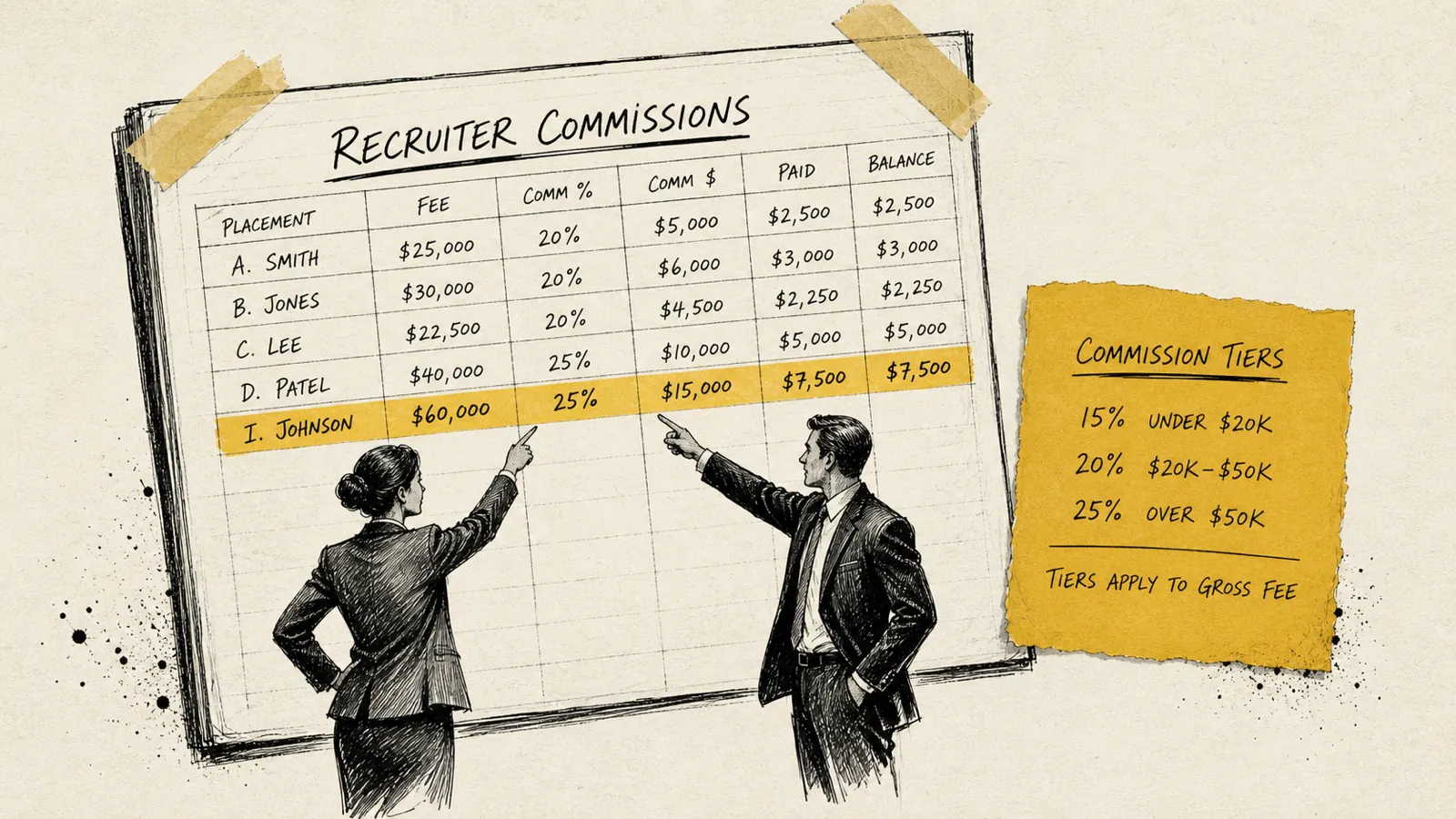

Never sweat invoicing or commissions again.